Storefronts and Marketplace

Own your storefront. Use marketplace discovery when it is ready for your product.

SoundSync starts with developer-owned storefront infrastructure: branded pages, product cards, checkout, custom domain support, customer trust, and customer library handoff. Marketplace discovery is optional and should not be treated as a promise of traffic.

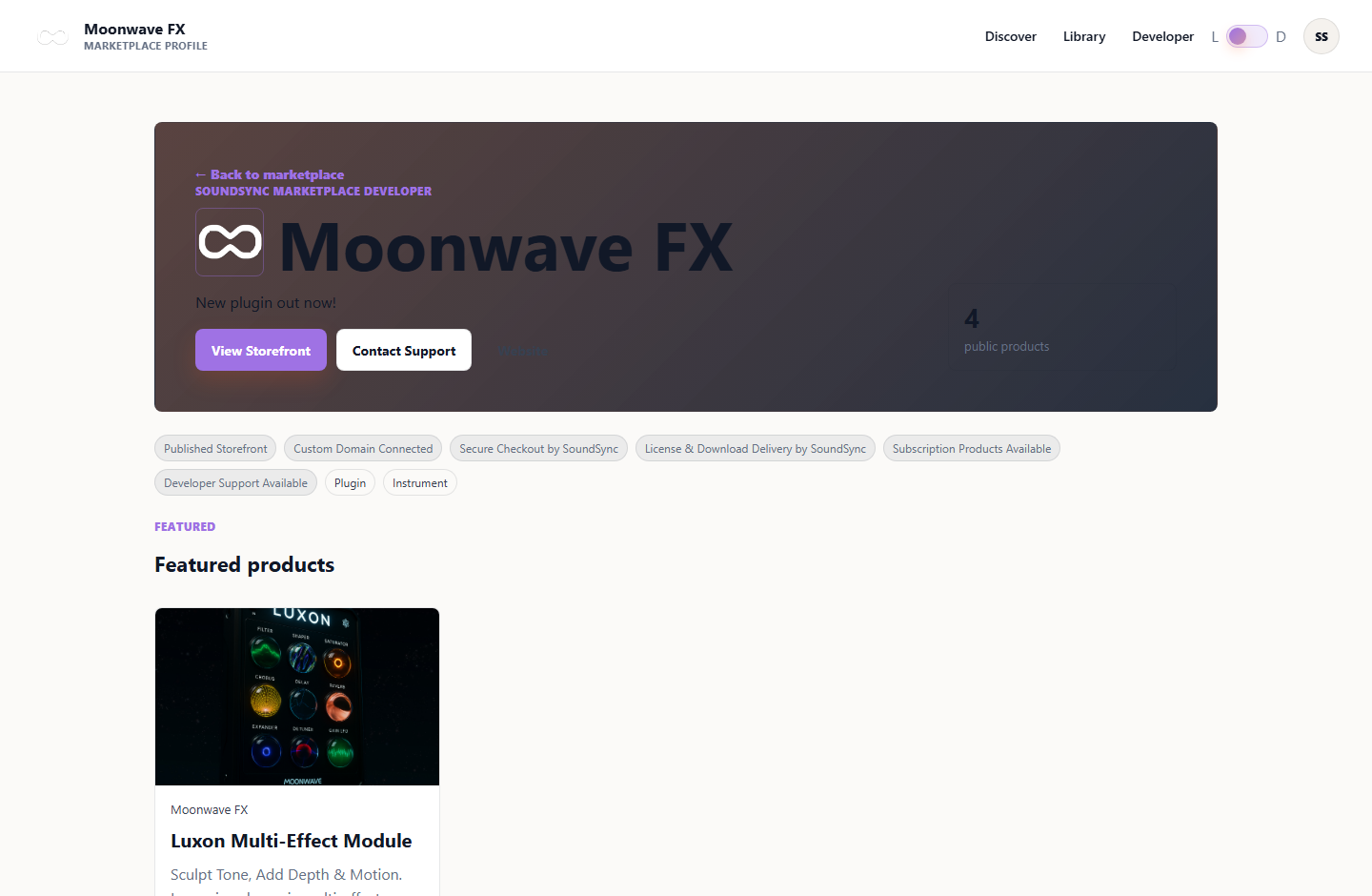
Developer-owned storefront

Your branded storefront remains the center of the customer relationship before any marketplace listing is considered.

Website builder workflow

Set brand identity, choose a template, shape homepage sections, preview the storefront, and publish only when the essentials are ready.

Custom domain and brand setup

Logo, colors, support details, custom domains, and storefront copy keep the experience connected to your product brand.

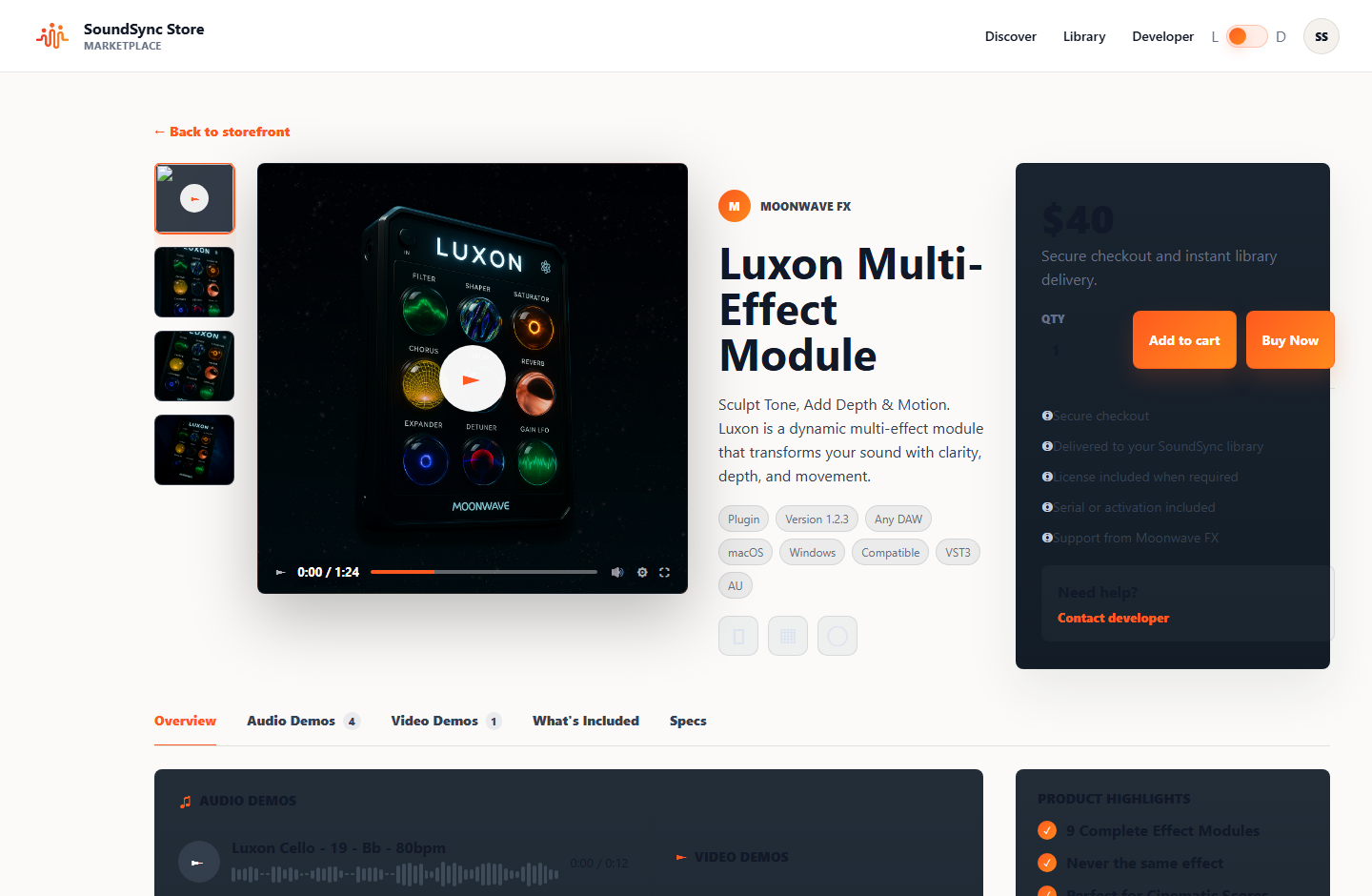
Product pages and checkout

Cards and product pages show audio-software-specific details, prices, sales, media, support context, and checkout entry points.

Customer library handoff

After purchase, customers land in a library and download path tied to entitlements, serials, licenses, and protected delivery.

Email marketing launch loop

After publishing and selling through an owned storefront, developers can follow up with eligible opted-in customers about updates, related products, or sales.

Plugin/software sales flow

Storefront, checkout, serial/license state, and delivery are designed around digital audio products.

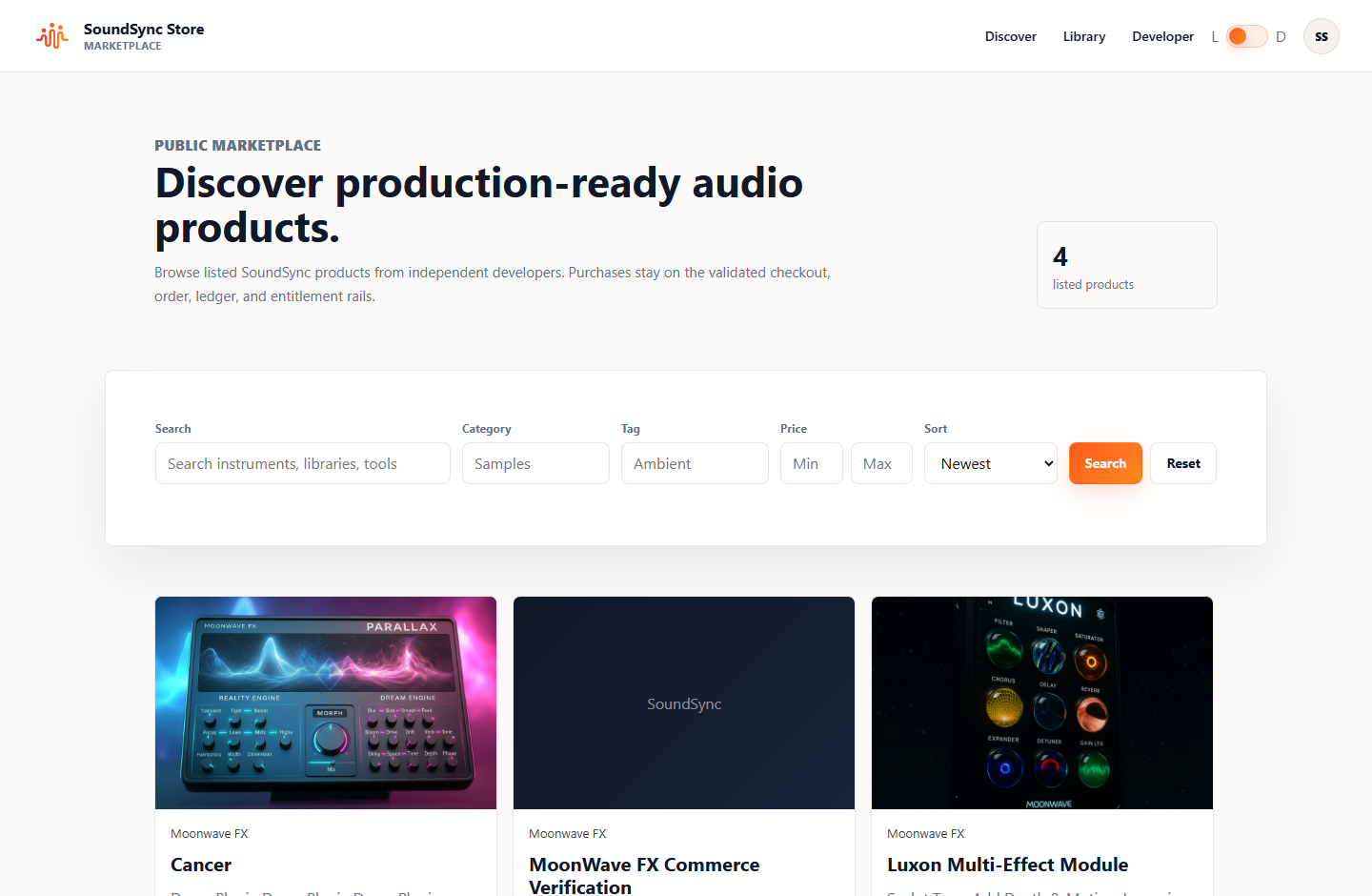
Optional marketplace discovery

Marketplace listing can become an additional channel when the product, storefront, moderation state, and discovery strategy are ready.

Storefront builder

Build the public website around the product catalog.

The builder is for the real storefront: brand name, slug, logo, hero banner, headline, description, visual style, template, navigation, homepage sections, product attachments, support details, preview, save, and publish state. Draft changes can be reviewed before the public storefront changes.

  • Brand setup
  • Templates
  • Homepage sections
  • Live preview
  • Publish state

Product pages and selling path

Give customers the details they need before checkout.

Storefront product pages can carry product artwork, descriptions, prices, sale state, subscription eligibility, audio/video demos, included files, specs, compatibility, support links, and checkout actions. The storefront should answer customer questions before they need to open a ticket.

  • Product cards
  • Demos
  • Specs
  • Compatibility
  • Checkout actions

Post-purchase handoff

The storefront does not stop at the sale.

Checkout, customer library, protected downloads, serial/license display, subscription access, receipts, updates, and support links stay connected so customers know where to return after purchase or reinstall.

  • Customer library
  • Protected downloads
  • Serials/licenses
  • Receipts
  • Support links

Readiness

Publish the owned storefront first, then choose discovery channels.

A marketplace listing works best after the product page, checkout path, customer library handoff, delivery files, support details, and brand presentation already make sense on the owned storefront.

Storefront readiness

Name, slug, headline, description, logo, brand colors, support contact, template, navigation, and at least one visible product should be ready before publishing.

Product readiness

Product copy, pricing, sale state, delivery files, licensing requirements, media, specs, compatibility, and support links should be reviewable from the storefront path.

Customer readiness

Customers should have a clear route from checkout to library access, downloads, serial/license details, update access, and support.

Marketplace readiness

Discovery can be added when the product is public, checkout works, listing copy is accurate, and the developer wants an additional channel beyond the owned storefront.

Builder and plugin workflows

Storefront setup flows into the HISE product package.

After the core storefront is shaped, HISE developers can generate the product HISE package for in-plugin Store, My Products, external checkout handoff, and central SoundSync support routing.

Storefront copy and sections

Write storefront messaging, section copy, product positioning, and support details directly in the builder before publishing changes.

Template, style, and navigation controls

Choose layout, color/style direction, and storefront navigation based on the developer catalog and brand context.

HISE Store and My Products

The product HISE package loads catalog data, opens checkout externally, routes Support to the central SoundSync support center, and keeps My Products downloads entitlement-gated.

Launch Center ready

Start with an owned storefront.

Publish your brand, product cards, checkout path, and customer library handoff before depending on marketplace discovery.