
HISE guide
Custom Domains and SSL
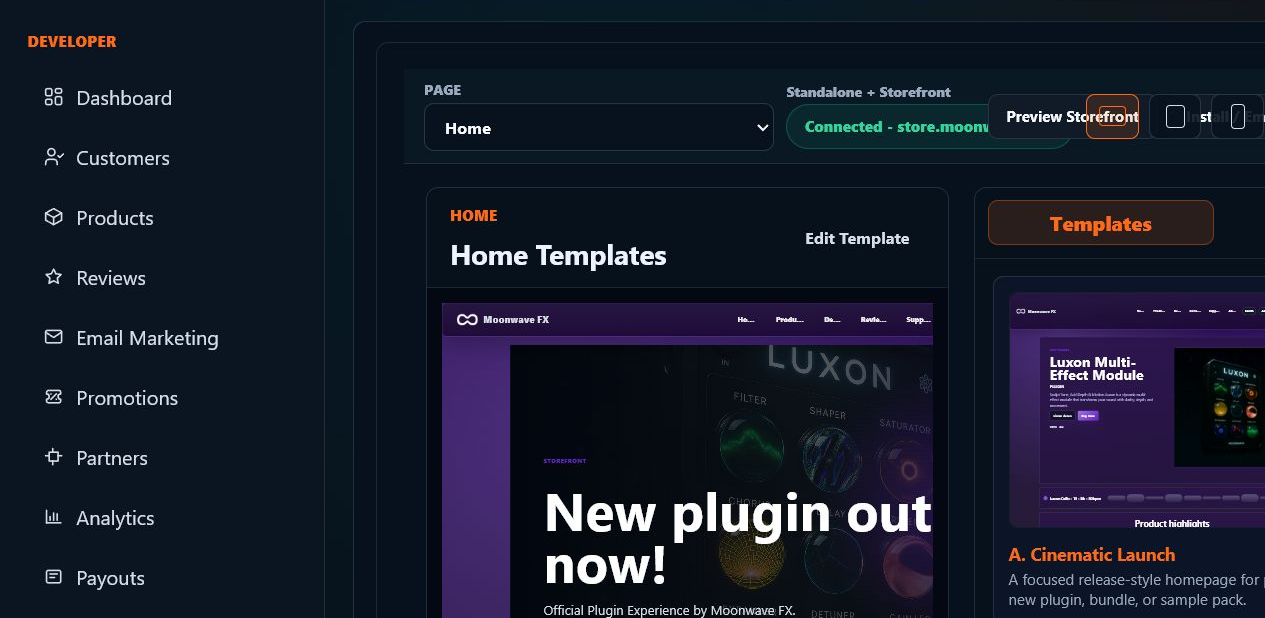
Connect root and apex domains, storefront subdomains, and email sending domains with guided DNS, verification checks, and SoundSync-provided SSL certificates. Developers only need the domain and DNS access; SoundSync handles the rest of the hosted-domain setup.


SoundSync
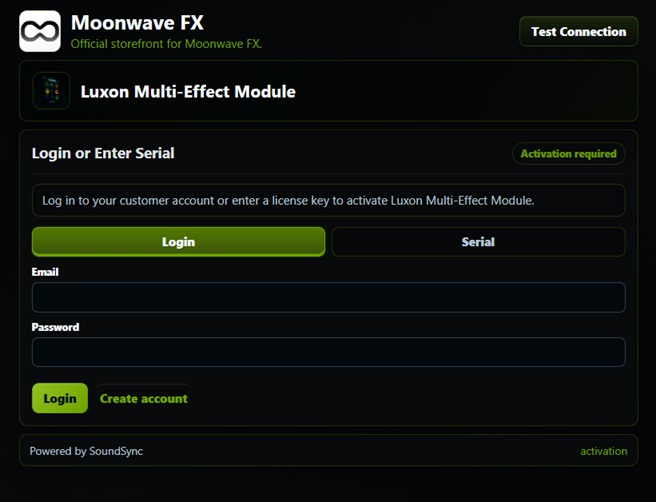
HISE activation screen
The branded HISE activation screen gives customers account and serial activation paths inside the plugin.
SoundSync
HISE Store catalog
The HISE Store screen shows product browsing, customer navigation, and product cards inside the in-plugin commerce surface.

SoundSync
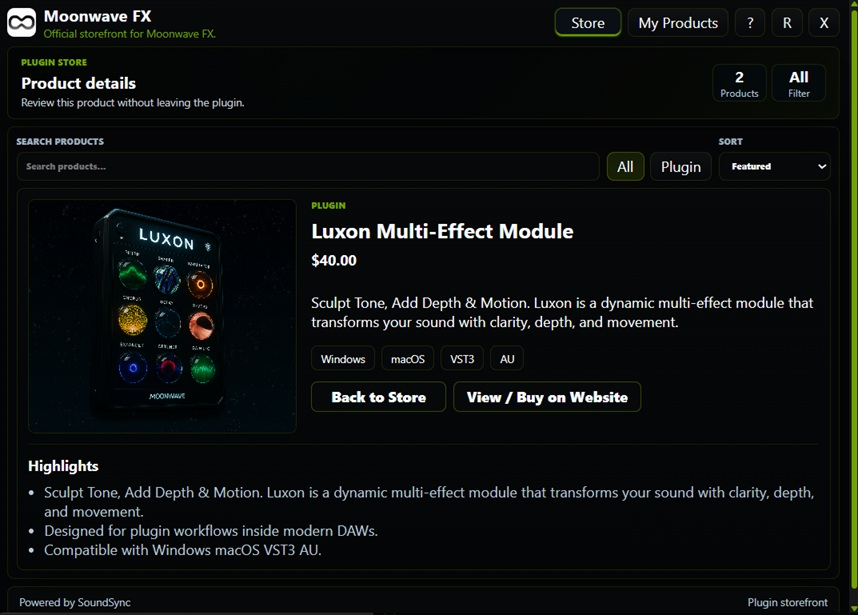
HISE product detail
The HISE product page shows artwork, pricing, product copy, highlights, and the buy/view action connected to storefront commerce.
SoundSync
HISE Store and My Products
The Store and My Products screens keep browsing, ownership, serial counts, downloads, subscription state, and machine-access context in the plugin.

SoundSync
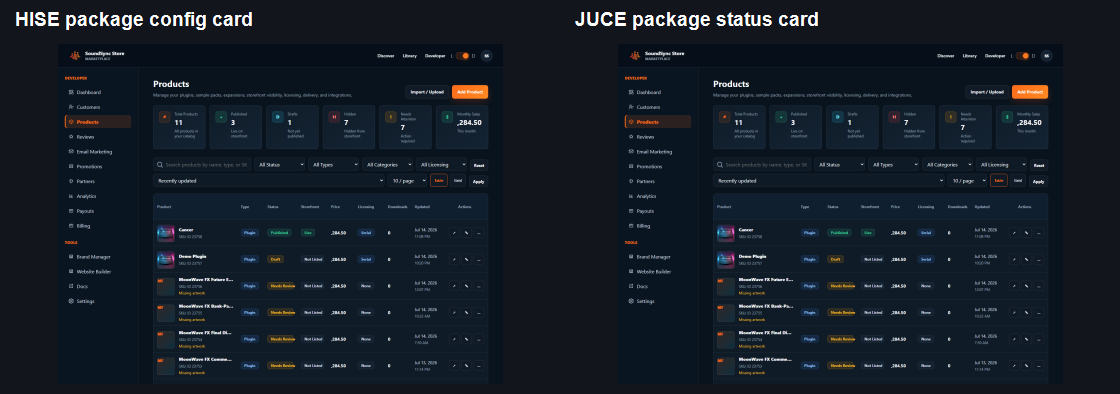
HISE and JUCE package cards in the developer workspace
The package workspace separates HISE and JUCE package status, product selection, connection readiness, and package download context so developers choose the right integration before release testing.
SoundSync
Choose the HISE package path
Pick the package that matches the amount of HISE source work and runtime authority your product needs.
| Package | Best for | Verification strength | Developer work |
|---|---|---|---|
| HISEScript package | Fast HISE projects that need a simple script/WebView integration path. | Strong product-scoped verification, but not as tamper-resistant as the native C++ path because distributed script/client code is easier to inspect and modify. | Copy the generated SoundSync folder into Scripts, include Runtime/SoundSyncRuntime.js, run Test Connection, then test activation states. |
| HISE C++ package | Commercial plugin releases that need stronger copy-protection and native runtime authority. | Stronger native-authoritative verification: transport, storage, device identity, cache, and entitlement decisions move through SoundSync native code and public state. | Stage native source into AdditionalSourceCode, apply and verify the SoundSync HISE source patch, rebuild HISE where required, export, and run release checks. |
SoundSync
What both HISE packages connect
The package choice changes integration depth, not the customer business model behind it.
Product-scoped credentials
Generated package configuration is tied to the selected product, app ID, environment, package version, and credential state.
Activation paths
Customer login, serial activation, login-or-serial, email verification, activation limits, and machine identity are handled through SoundSync licensing flows.
Validation and offline grace
Startup validation refreshes access when online. Offline grace requires a previous valid state and confirmed denials such as revoked, refunded, expired, or deactivated access must lock.
Brand and support
Store name, logos, accent colors, light/dark treatment, product imagery, support email, support URL, and generated package values come from product setup and Brand Manager.
Customer access
Store, My Products, downloads, serial counts, subscription visibility, and support routing are available through the separate HISE in-plugin storefront package where enabled.
SoundSync
HISEScript setup path
Use this path when the launch priority is a fast HISE integration with a script-managed overlay.
-
Generate package
Create product credentials and download the HISEScript package from the product package area.
-
Place package
Copy SoundSync into the HISE project Scripts folder.
-
Include runtime
Load include("SoundSync/Runtime/SoundSyncRuntime.js"); from the main Interface script.
-
Run Test Connection
Verify product credentials and API reachability without activating a customer license.
-
Release test
Test login, serial, claim verification, deactivation, offline grace, support routing, and package regeneration before shipping.
SoundSync
HISE C++ setup path
Use this path when stronger runtime authority matters more than the shortest install path.
-
Generate native package
Download the native-authoritative HISE package for the selected product.
-
Stage native source
Run the installer helper to place SoundSync native files under the HISE project AdditionalSourceCode path.
-
Patch HISE source
Apply and verify the SoundSync HISE script/native API patch against the HISE source checkout.
-
Rebuild and export
Rebuild HISE where required, reopen the project with the patched executable, export the plugin, and patch the exported project when needed.
-
Verify authority
Run the package release checklist, native public-state checks, validation matrix, and host/runtime tests for the target build.
SoundSync
Branded HISE activation
The HISE activation surface shows product identity, serial/account paths, support access, and SoundSync-powered licensing inside the plugin context.
SoundSync
HISE in-plugin Store
The HISE Store screen lets customers browse available products, open product detail, and move toward purchase without leaving the plugin context.