Implementation guide
HISE Full Setup
Full onboarding path for HISE products, including product setup, brand setup, package generation, runtime include, Store/My Products, and support.
SoundSync
HISE visual sequence
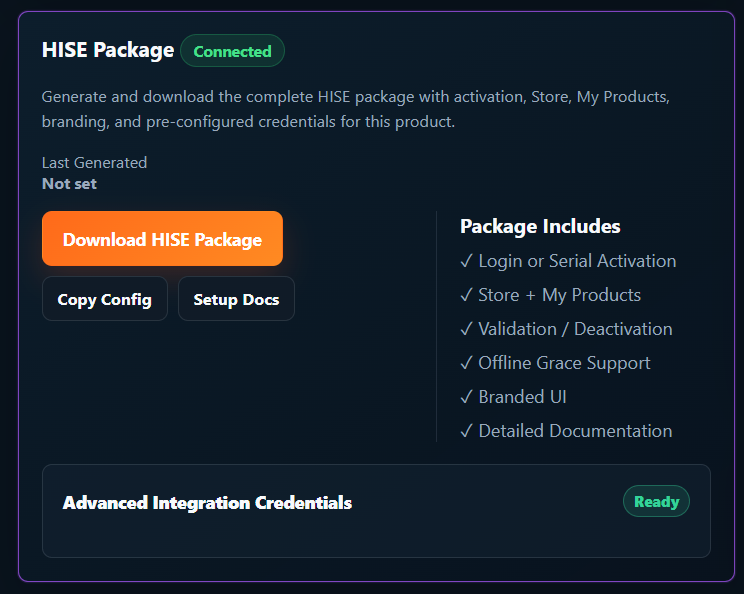
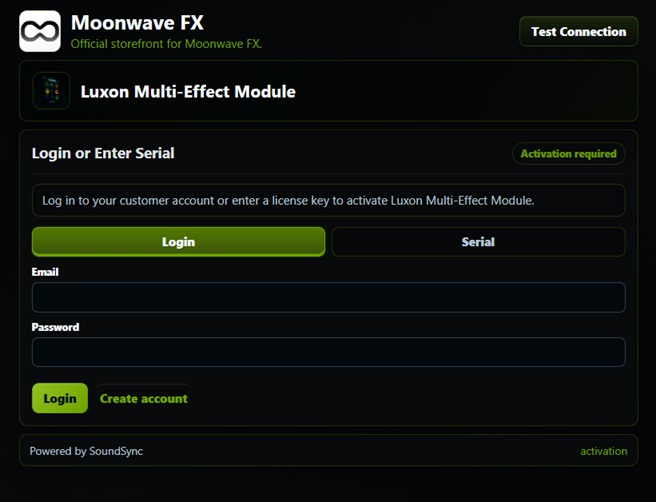
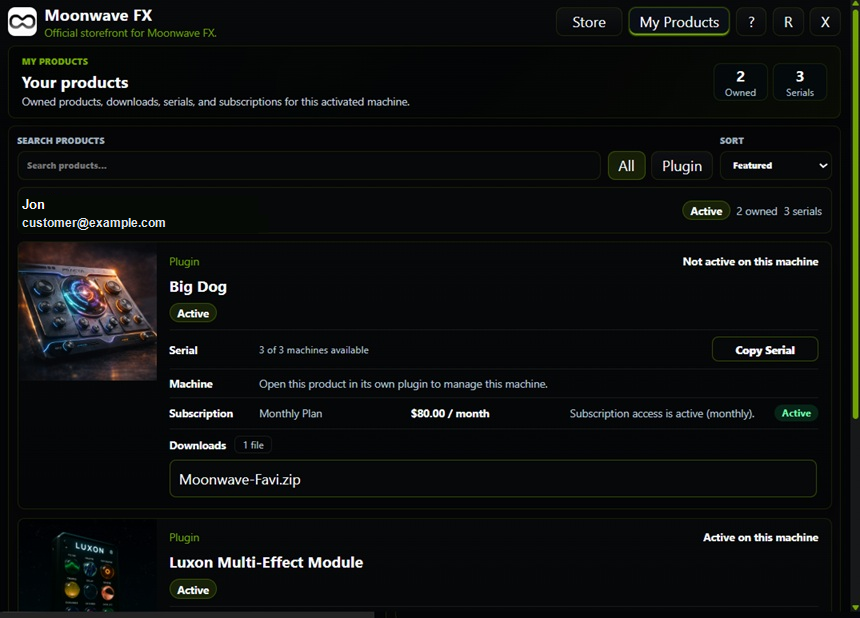
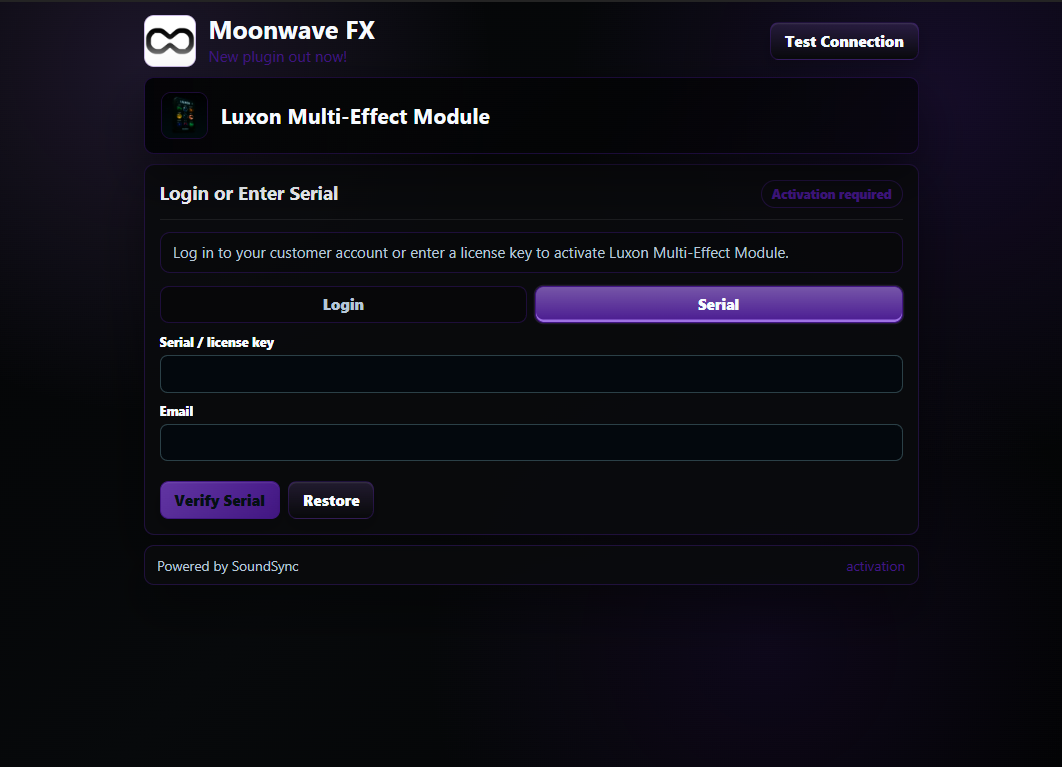
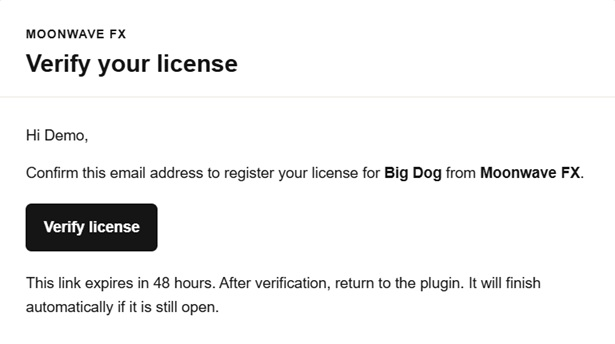
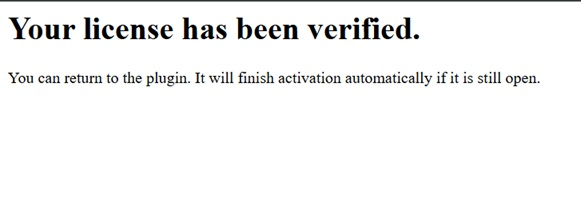
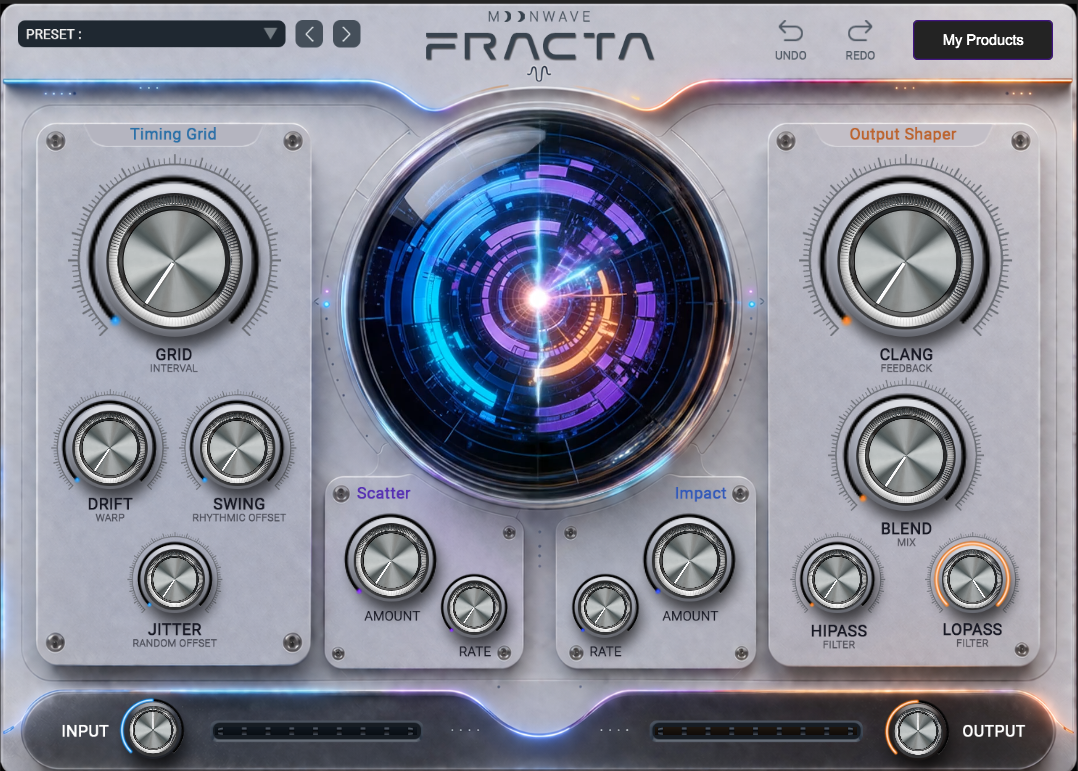
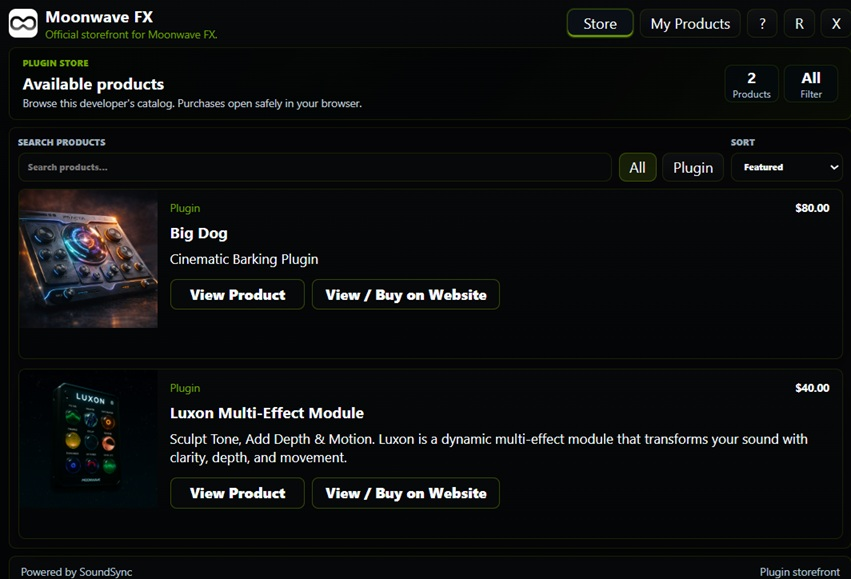
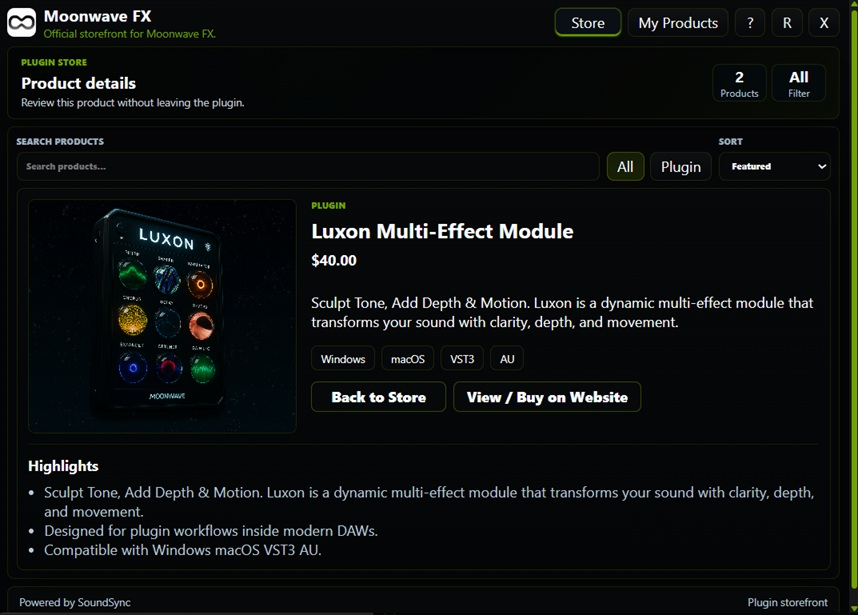
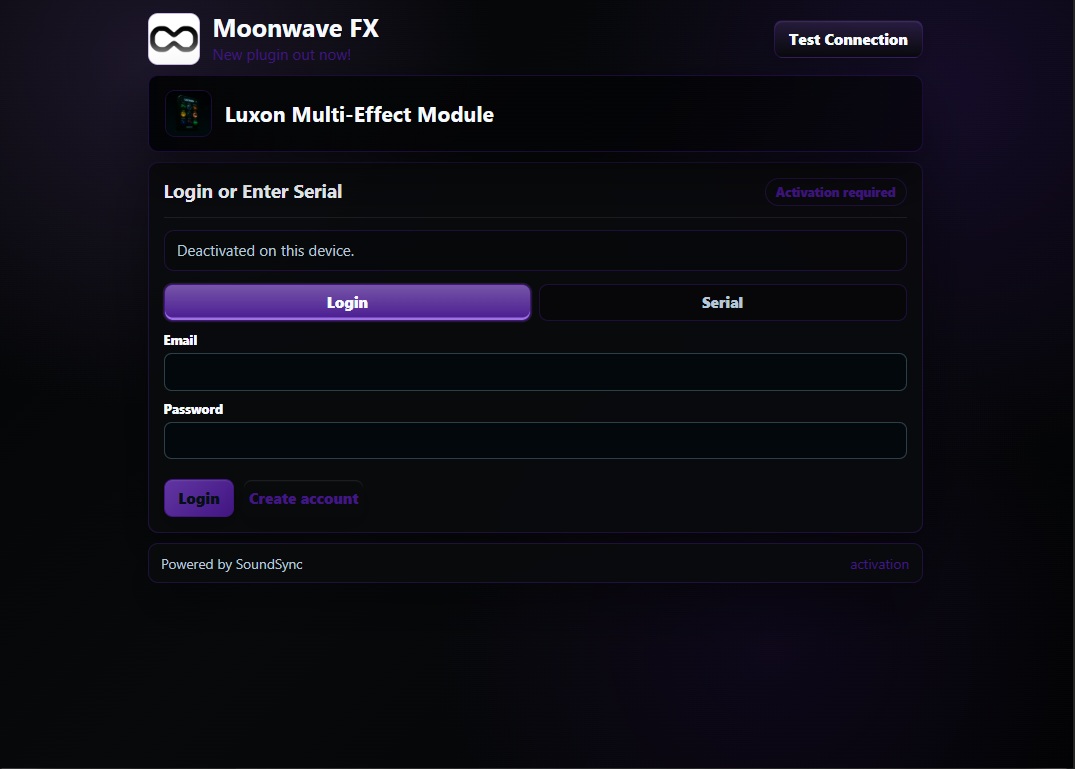
Package setup, activation, verification, unlocked access, Store, My Products, and device controls are shown in a consistent product flow.
SoundSync
Full onboarding path
Work through these steps when preparing a launch build rather than a quick integration spike.
-
Prepare product data
Confirm product name, SKU or slug, description, media, compatibility, license terms, pricing, delivery files, and support path.
-
Prepare commerce settings
Choose hosted storefront, in-plugin storefront, checkout paths, subscriptions where applicable, and customer library behavior.
-
Prepare licensing settings
Choose account login, serial activation, activation limits, offline grace, and deactivation behavior.
-
Prepare Brand Manager values
Set store name, tagline, logos, light/dark assets, colors, support email, reply-to email, social links, domains, and default imagery.
-
Generate package and credentials
Generate product credentials, download the package, copy config, and keep generated files separate from developer-owned HISE project code.
-
Install and include runtime
Place the package files, then load include("SoundSync/Runtime/SoundSyncRuntime.js"); in project startup.
-
Test customer journeys
Test account login, serial activation, email verification, deactivation, Store, My Products, support links, and the unlocked product state.
-
Publish and monitor
Publish the storefront and product when ready, then monitor customers, revenue, activations, support, and package regeneration needs.
SoundSync
Connection check
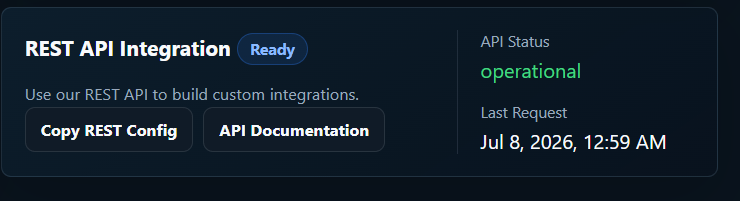
The test connection capture shows the package setup area after REST API integration is ready.