Skip to content
SoundSyncAudio software platform

Implementation note

HISE Runtime Include

Where to load the SoundSync runtime inside a HISE project and the exact include line required by the generated package.
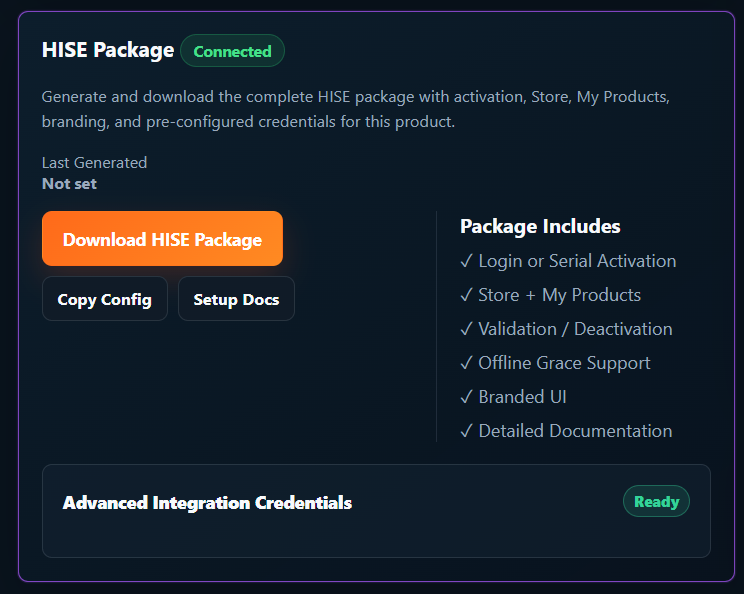
SoundSync HISE package panel showing REST API integration status, package download, config copy, and setup docs.
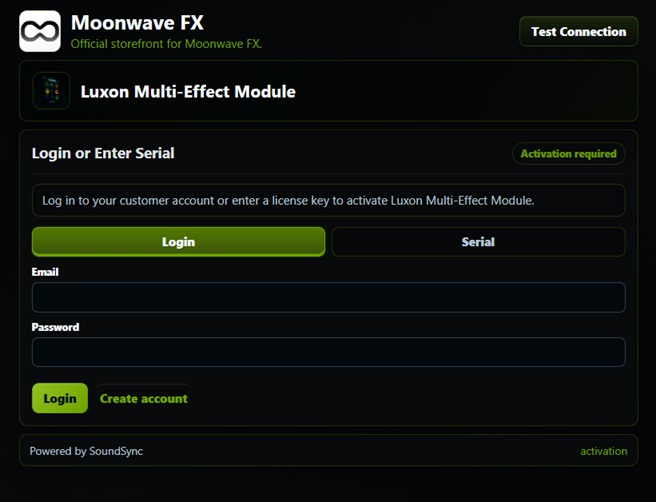
HISE plugin activation screen with branded login and serial activation options.
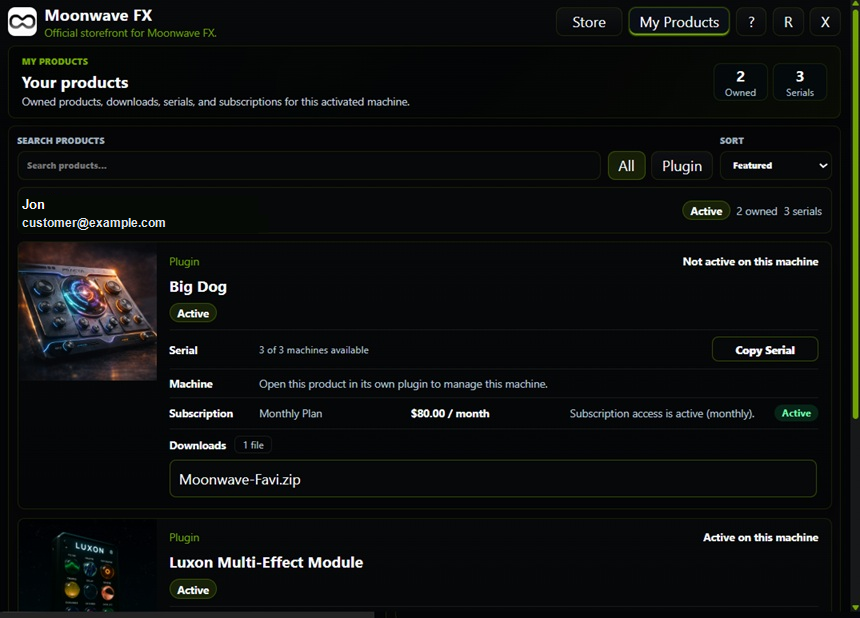
HISE My Products view with sanitized customer identity, owned products, serial counts, downloads, subscriptions, and machine state.

SoundSync

HISE visual sequence

Package setup, activation, verification, unlocked access, Store, My Products, and device controls are shown in a consistent product flow.
SoundSync HISE package panel showing REST API integration status, package download, config copy, and setup docs.
HISE plugin activation screen with branded login and serial activation options.
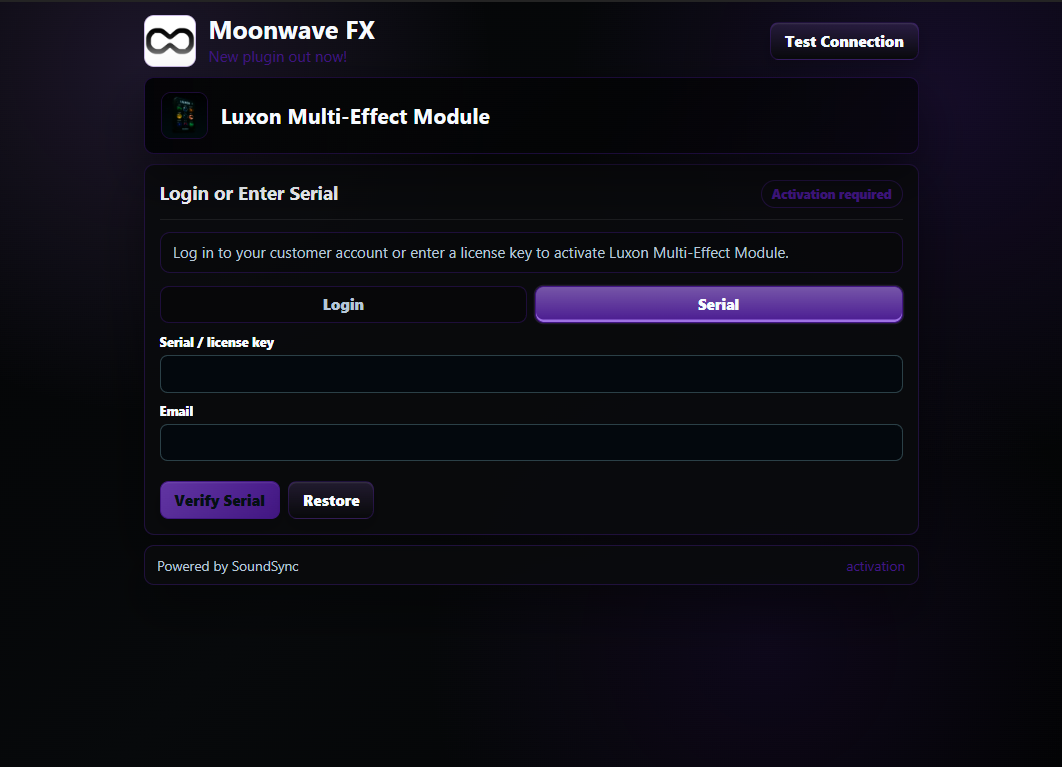
HISE plugin serial activation screen with product branding, serial field, and customer email field.
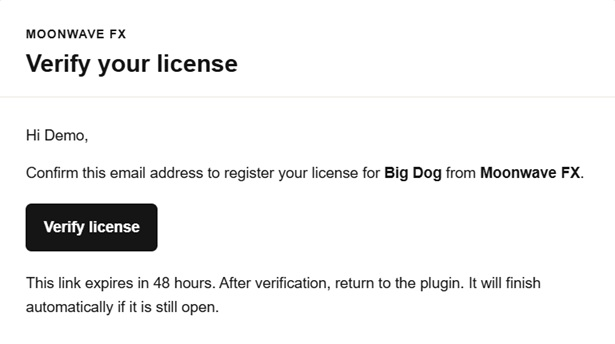
SoundSync email verification message for serial activation with demo customer wording.
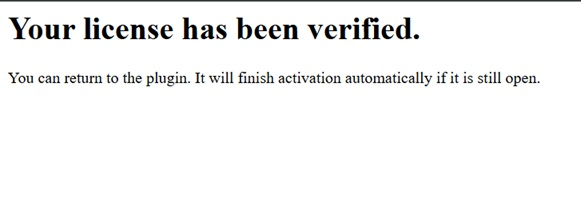
SoundSync serial activation verification success page for a demo product.
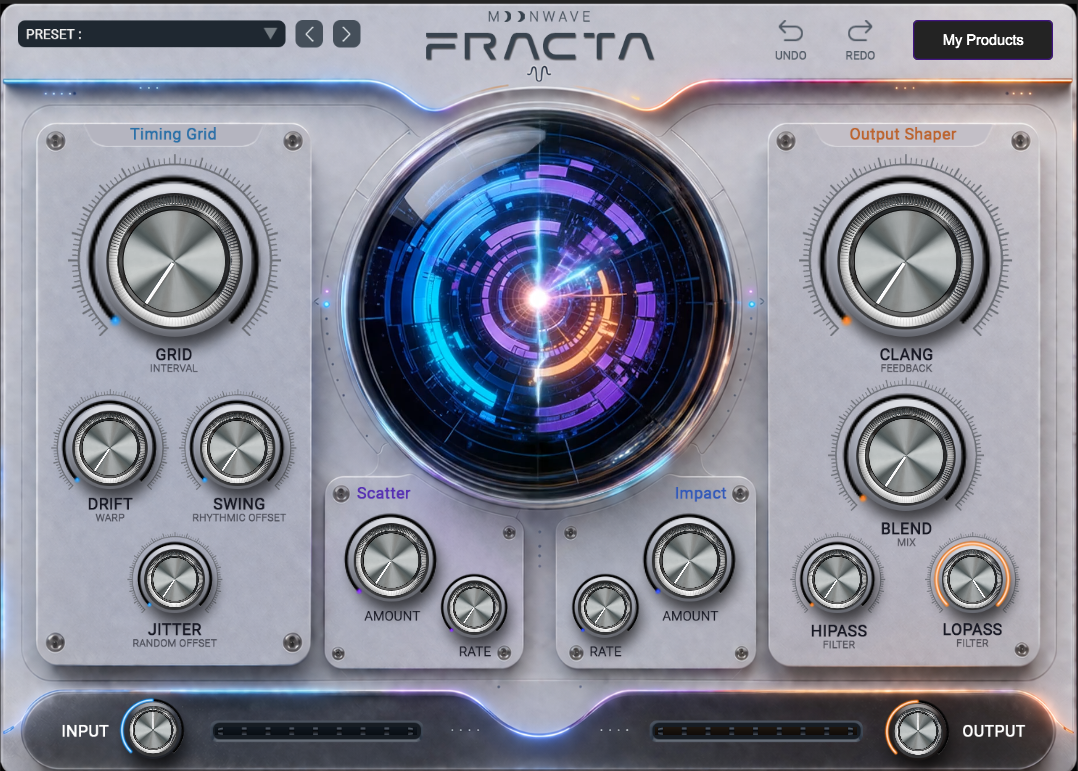
HISE plugin unlocked state after activation with product interface visible.
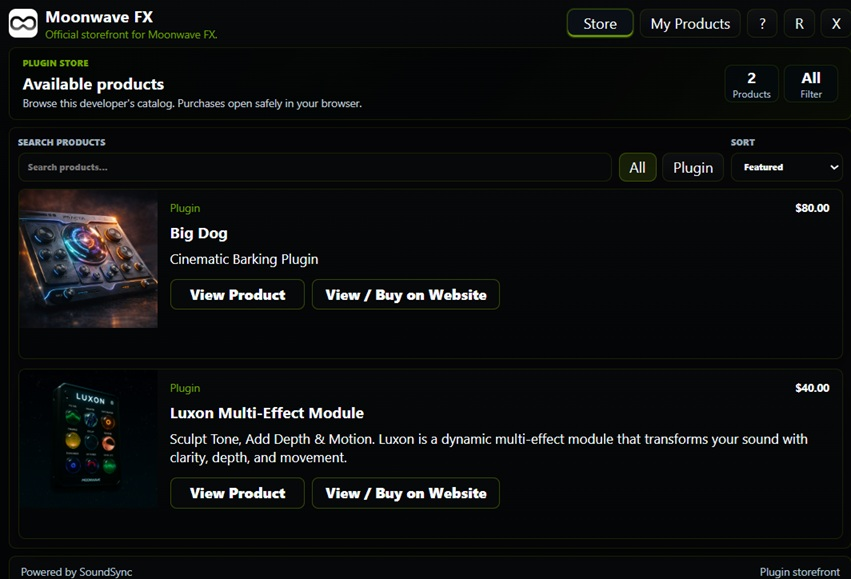
HISE in-plugin Store catalog showing product cards, categories, pricing, and cart access.
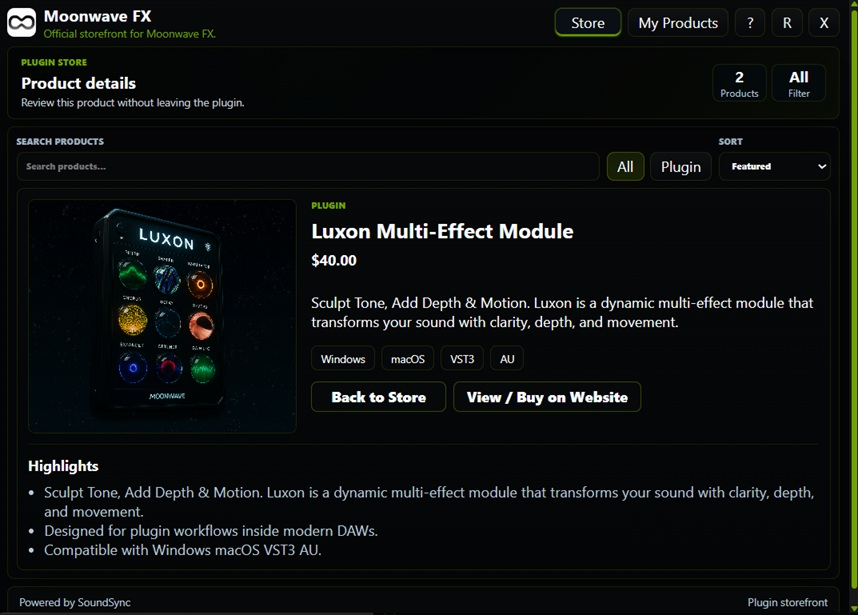
HISE in-plugin Store product detail page with pricing, license, format, and support information.
HISE My Products view with sanitized customer identity, owned products, serial counts, downloads, subscriptions, and machine state.
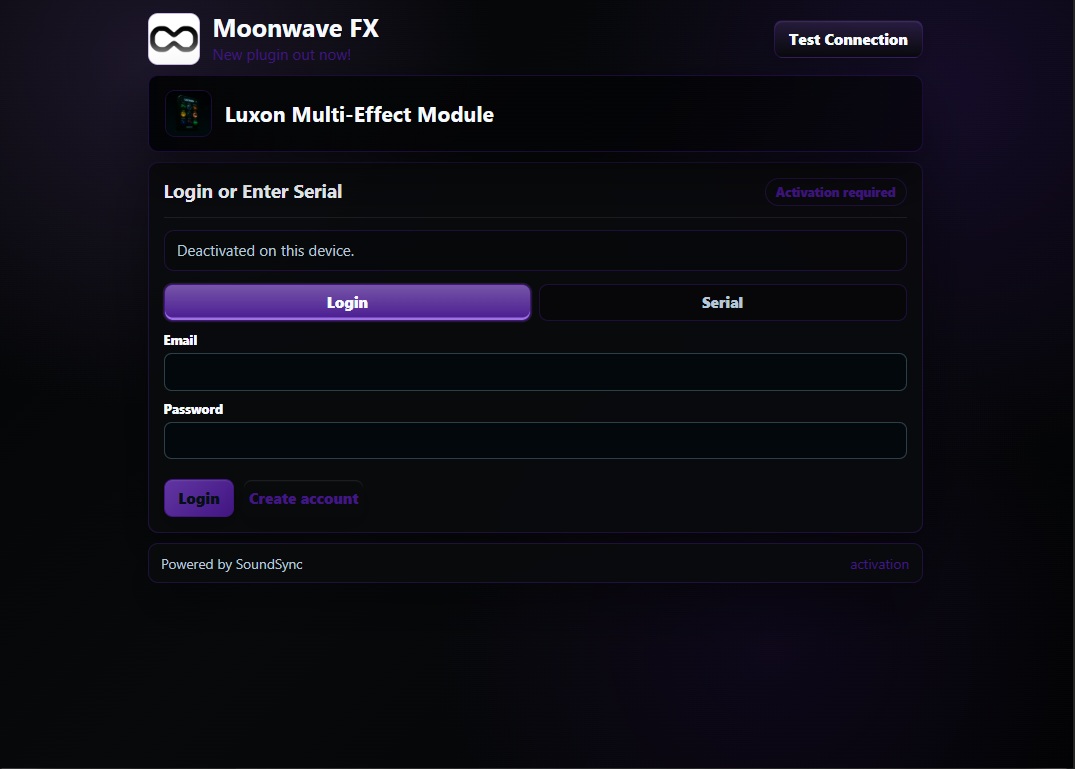
HISE plugin state showing customer login or serial activation after device deactivation.

Required include line

Add include("SoundSync/Runtime/SoundSyncRuntime.js"); to the HISE project startup script after the generated SoundSync folder is placed in the project.

SoundSync

Include placement checks

The include should run early enough to initialize package configuration before activation UI and access decisions are used.

Path

The path is relative to the HISE project package placement described in setup docs.

Load timing

Load the runtime before calling activation, validation, Store, or My Products helpers.

After regeneration

Confirm the include path still matches the generated folder structure after package regeneration.

Troubleshooting

If startup cannot find the runtime file, verify package location, filename casing, and project startup script order.