Skip to content
SoundSyncAudio software platform

Maintenance guide

Updating the Package

When to regenerate the HISE package and how to keep generated files, credentials, branding, Store, and custom HISE work aligned.
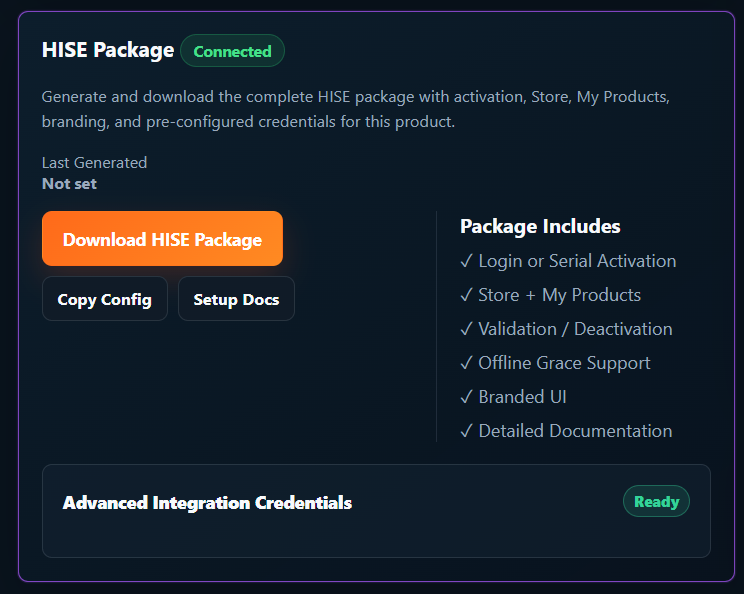
SoundSync HISE package panel showing REST API integration status, package download, config copy, and setup docs.
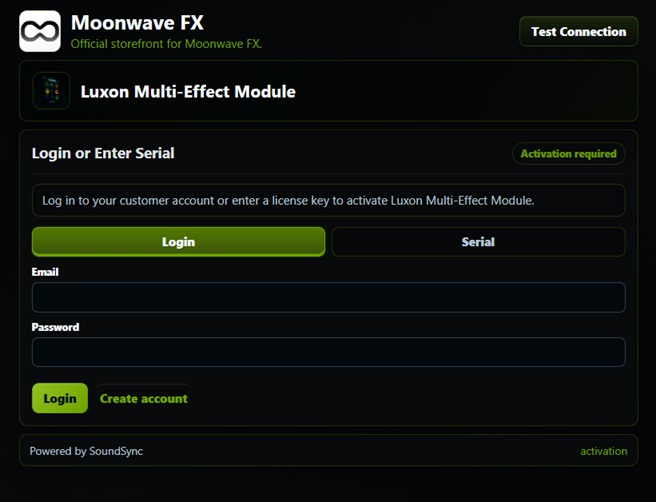
HISE plugin activation screen with branded login and serial activation options.
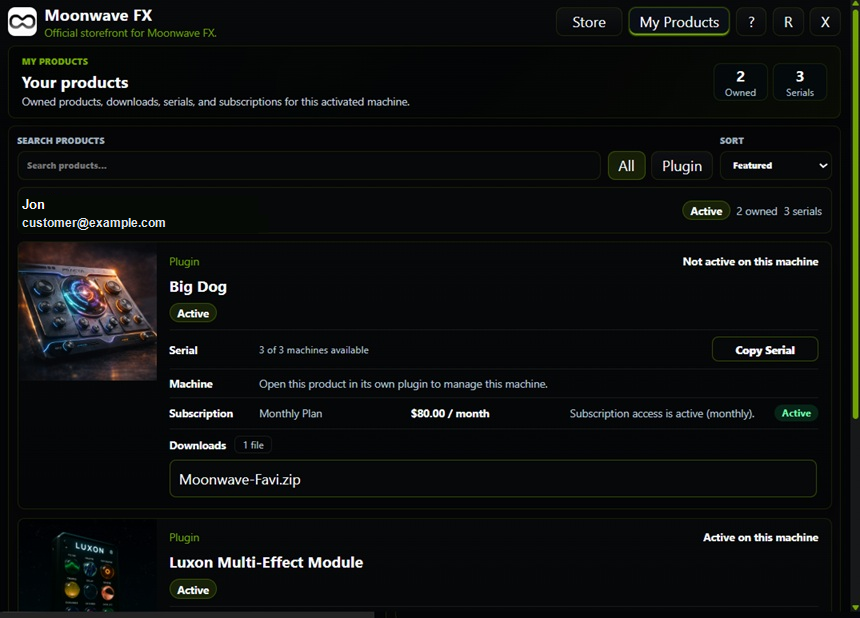
HISE My Products view with sanitized customer identity, owned products, serial counts, downloads, subscriptions, and machine state.

SoundSync

HISE visual sequence

Package setup, activation, verification, unlocked access, Store, My Products, and device controls are shown in a consistent product flow.
SoundSync HISE package panel showing REST API integration status, package download, config copy, and setup docs.
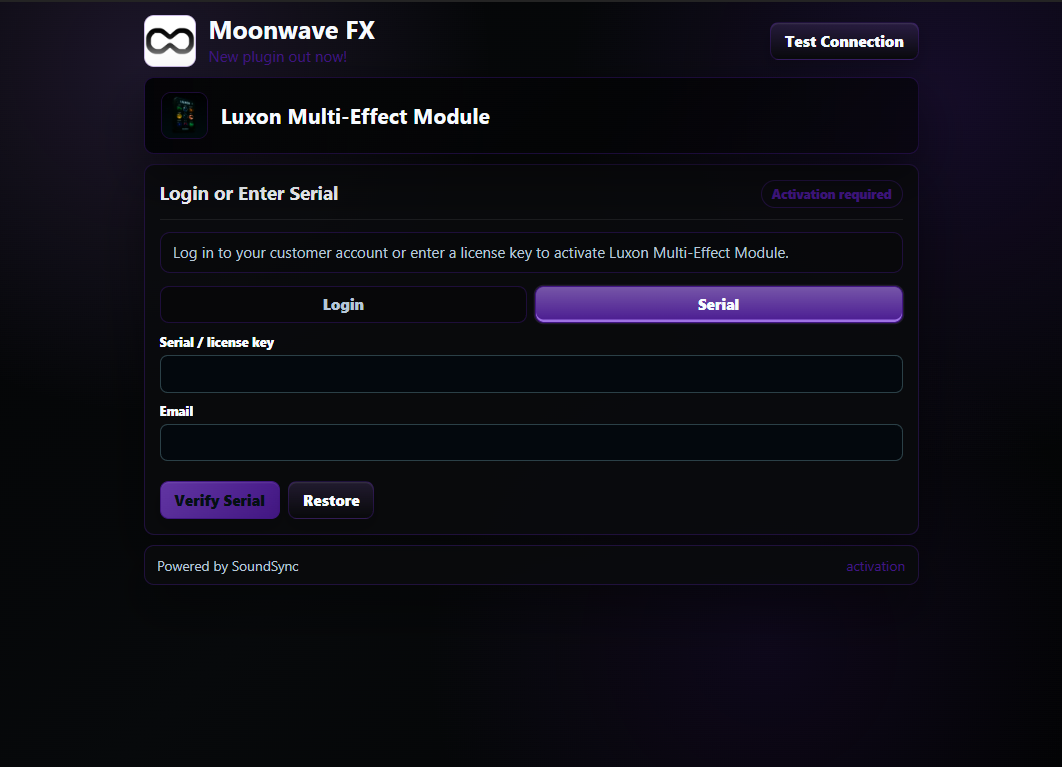
HISE plugin activation screen with branded login and serial activation options.
HISE plugin serial activation screen with product branding, serial field, and customer email field.
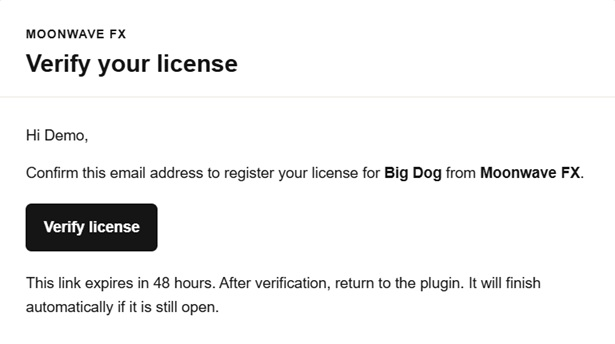
SoundSync email verification message for serial activation with demo customer wording.
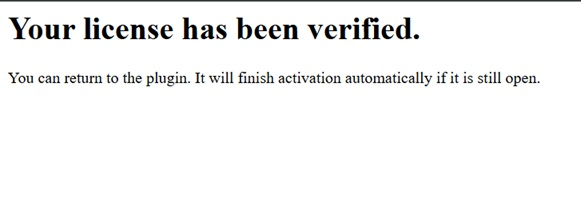
SoundSync serial activation verification success page for a demo product.
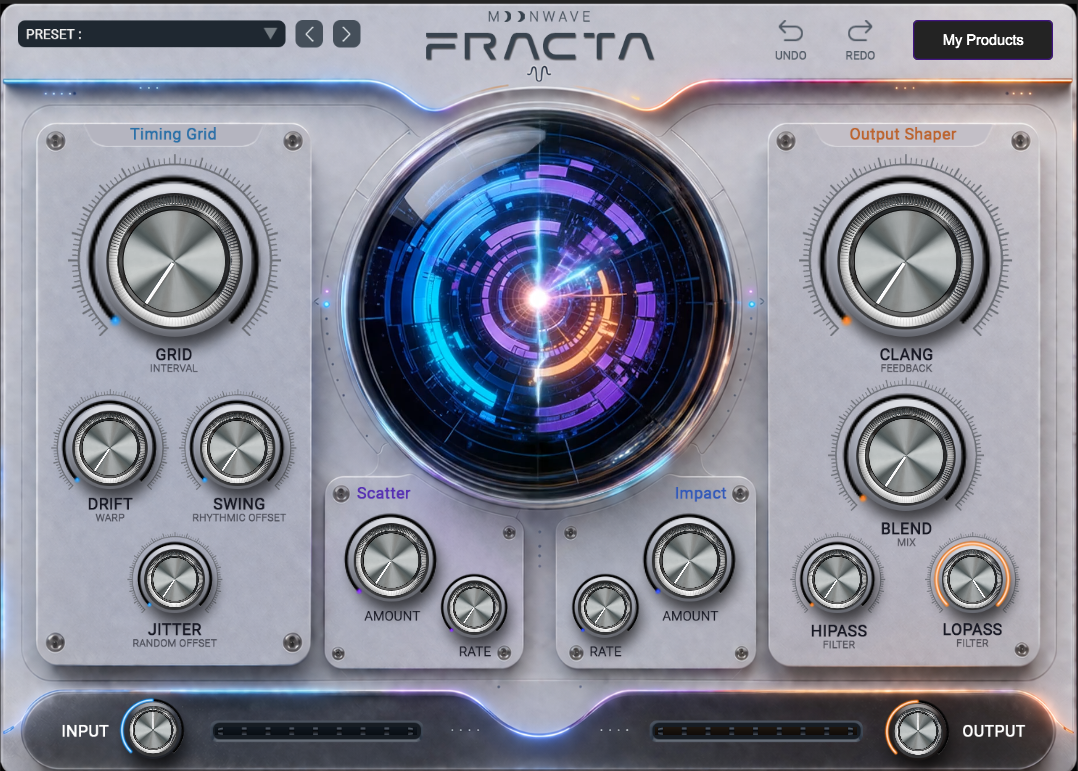
HISE plugin unlocked state after activation with product interface visible.
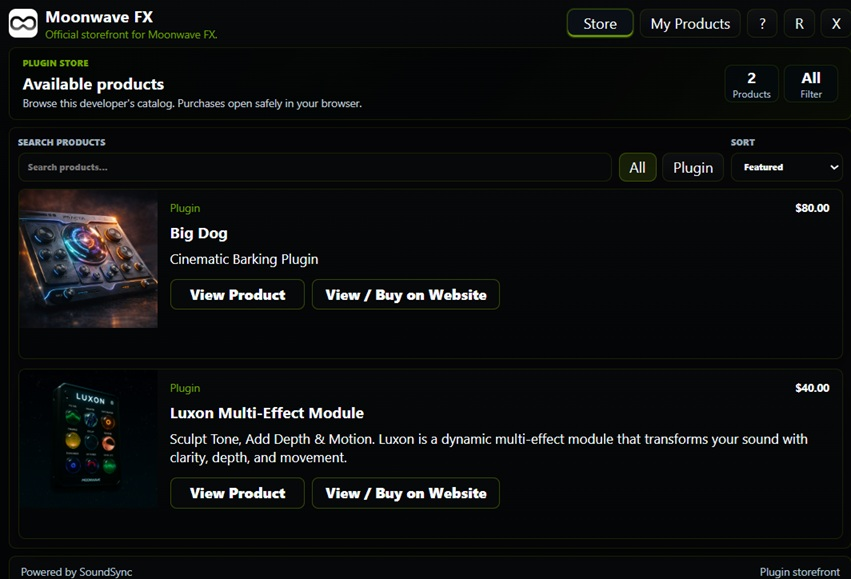
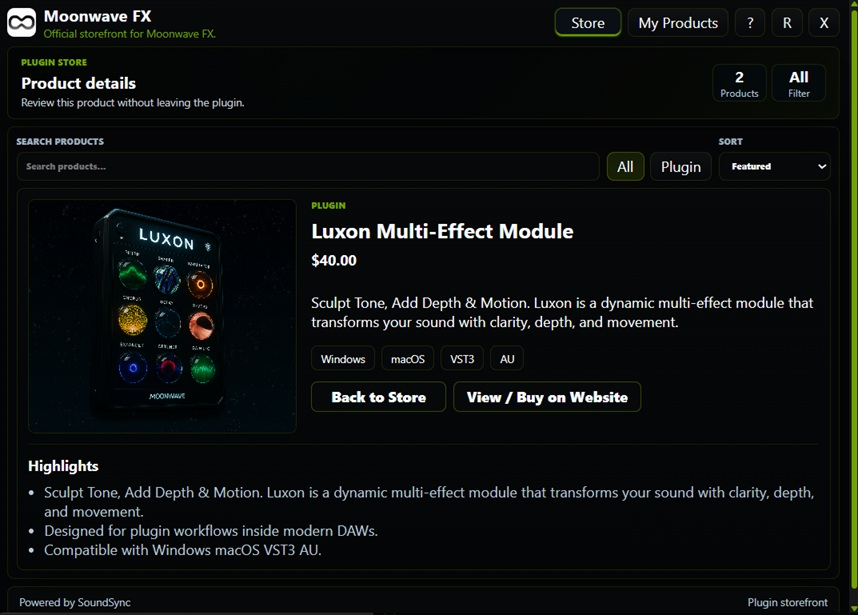
HISE in-plugin Store catalog showing product cards, categories, pricing, and cart access.
HISE in-plugin Store product detail page with pricing, license, format, and support information.
HISE My Products view with sanitized customer identity, owned products, serial counts, downloads, subscriptions, and machine state.
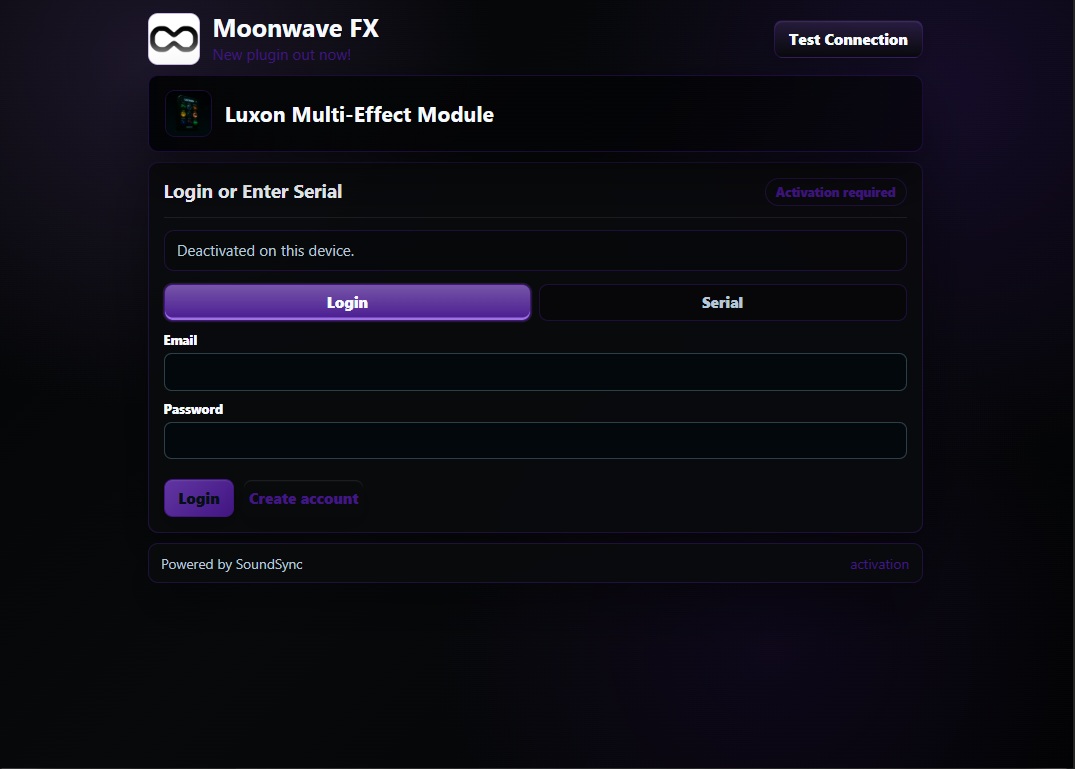
HISE plugin state showing customer login or serial activation after device deactivation.

SoundSync

Regeneration sequence

Regenerate after changes that affect package-owned configuration or customer-facing package behavior.

  1. Review product setup

    Confirm product identity, licensing mode, delivery, Store, My Products, support, and subscription settings.

  2. Review credentials

    Rotate or confirm product-scoped credentials, then keep generated package values aligned.

  3. Review branding

    Regenerate after major logo, color, support, domain, or product imagery changes.

  4. Download package

    Use the package generation panel and setup docs.

  5. Retest customer journeys

    Run account login, serial activation, Store, My Products, deactivation, and offline grace release tests.

SoundSync

Regeneration source

Use the package generation panel as the starting point for refreshes.

SoundSync HISE package panel showing REST API integration status, package download, config copy, and setup docs.
HISE package generation