
Package guide
SoundSync JUCE Package
The JUCE package is complete and current for adding native licensing, activation, validation, deactivation, offline grace, subscriptions, branding, and customer access to JUCE plugins and apps.
SoundSync
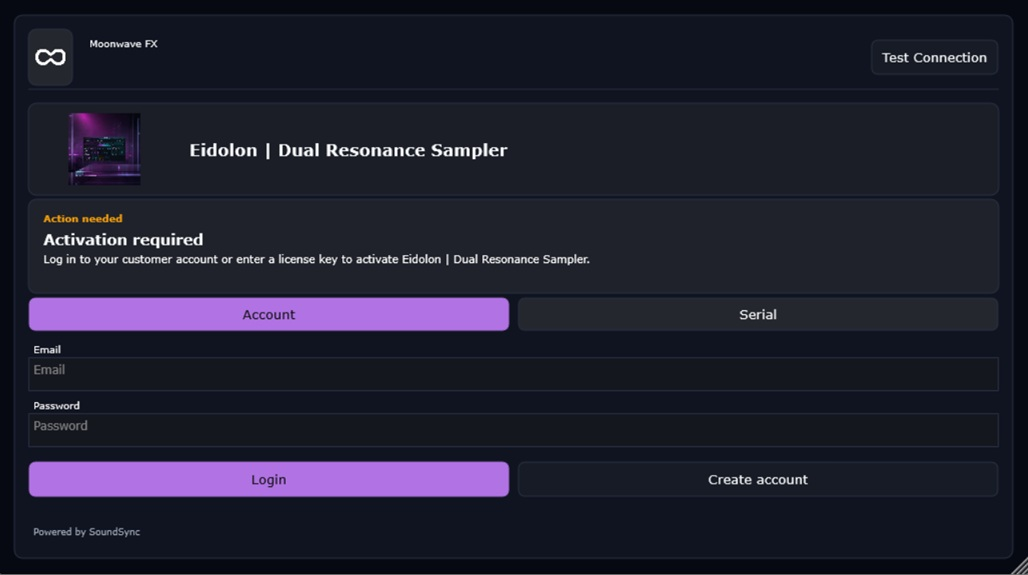
JUCE login activation
The JUCE login activation screen shows the branded activation-required state and customer account path.
SoundSync
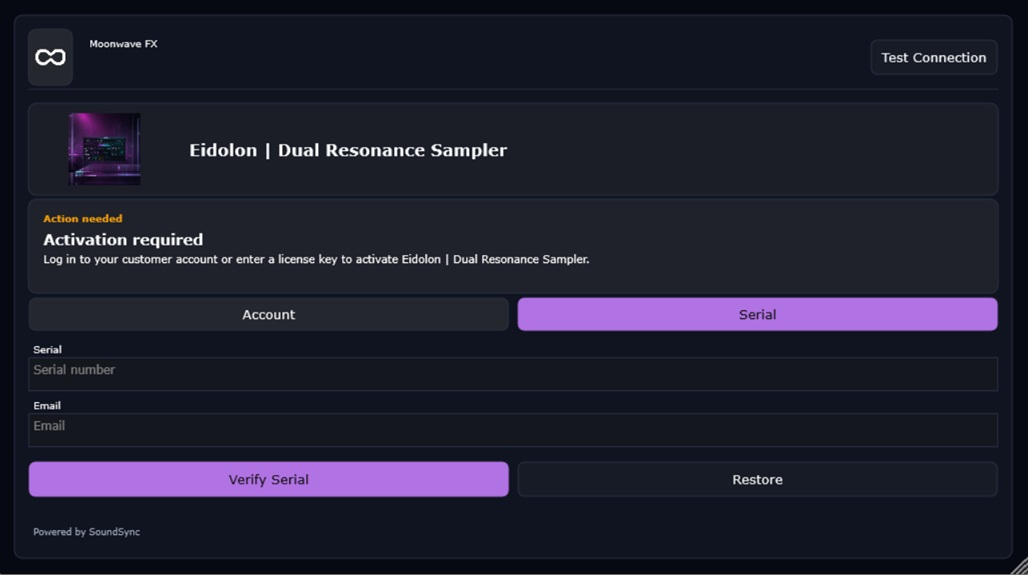
JUCE serial validation
The JUCE serial validation screen shows serial entry, customer email capture, validation action, and activation-required context.
SoundSync
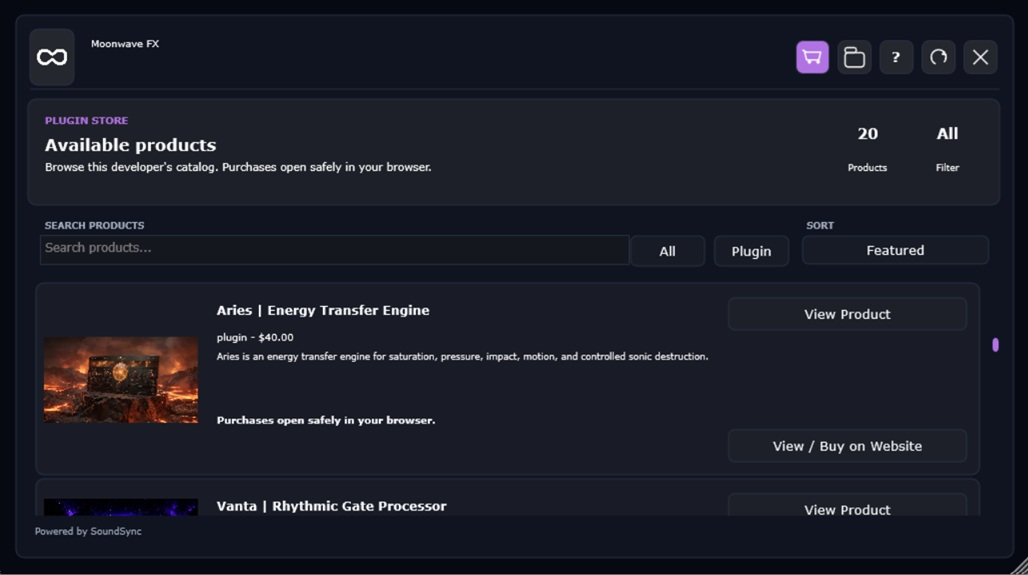
JUCE Store catalog
The JUCE Store screen shows product browsing, customer navigation, and the in-app storefront surface connected to SoundSync product records.
SoundSync
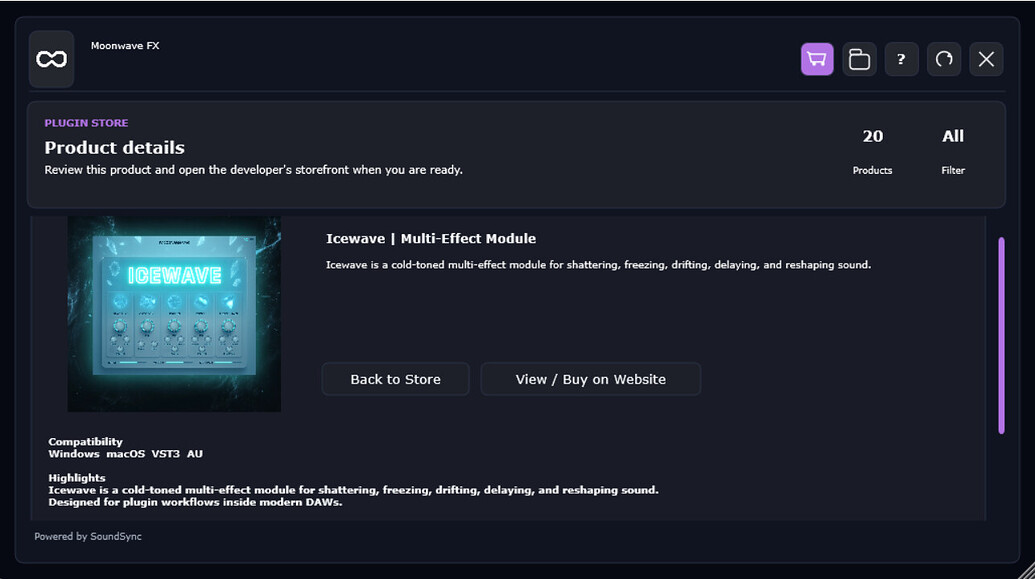
JUCE product detail
The JUCE product detail screen shows product artwork, product information, and customer navigation through the connected storefront surface.
SoundSync
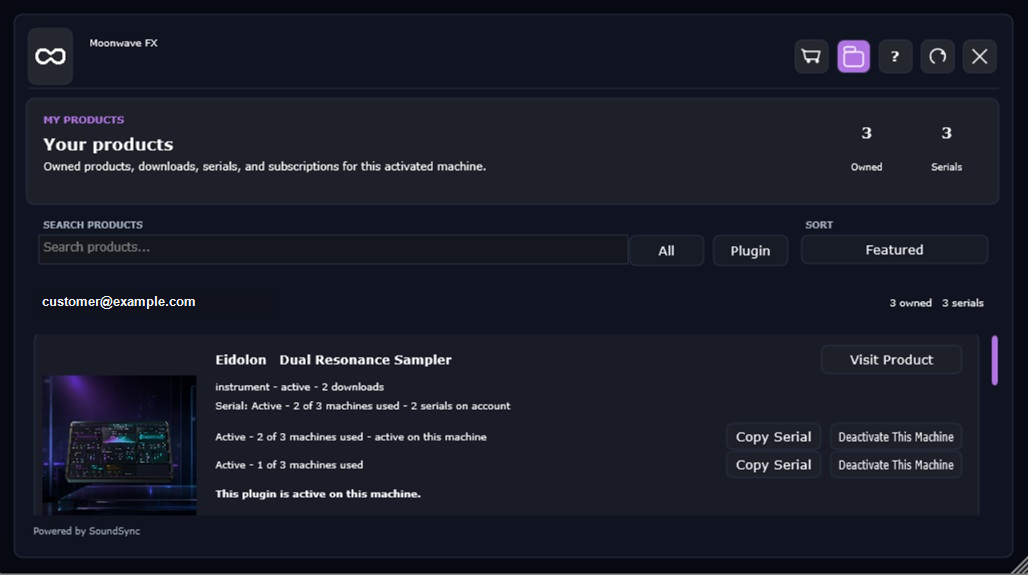
JUCE Store and My Products
The JUCE customer screens show in-plugin product browsing, product detail, ownership, serial state, and device deactivation controls.
SoundSync
Package file map
The generated production package carries source, docs, examples, module metadata, and native bridge files.
| Area | Purpose | Developer action |
|---|---|---|
| CMakeLists.txt | Builds the package, examples, and tests. | Add the package to the product build and keep CI running it. |
| modules/soundsync_juce | JUCE module wrapper for the package. | Use when your project consumes JUCE modules directly. |
| include/soundsync/juce | Public headers for client, config, branding, components, and state. | Include these from your plugin UI/business layer, not processBlock. |
| src | JUCE client, dispatcher, branding, public state, look-and-feel, and license components. | Treat package files as package-owned; customize through your UI layer. |
| native | Shared native licensing core used for transport, storage, device, cache, and entitlement decisions. | Do not fork licensing policy from native core. |
| examples | Plugin and standalone examples. | Use as wiring references, then adapt to your final product. |
| Docs | QuickStart, lifecycle, storage, device identity, offline grace, subscriptions, troubleshooting, and release checklist. | Follow before release testing and regeneration. |
SoundSync
Implementation sequence
Keep the package on a background-safe path and gate product behavior from public state.
-
Prepare product
Set product identity, license mode, activation mode, delivery, subscription state, support, and Brand Manager values.
-
Generate package
Download or create the JUCE package for the product and environment.
-
Wire package
Add the module or CMake target, initialize config, storage, device identity, logger, and dispatcher.
-
Render UI
Use the supplied components or map SoundSyncJucePublicState into your own UI.
-
Activate and validate
Test serial, account, email, validation, deactivation, offline grace, and subscription states with fixtures before live release.
-
Ship carefully
Run host/format/OS release tests for the exact targets you publish.
Audio-thread rule
Never perform SoundSync network, storage, activation, validation, or deactivation work from the audio thread. Use package state such as mayOpenProduct to gate protected behavior outside processBlock.