
Walkthrough
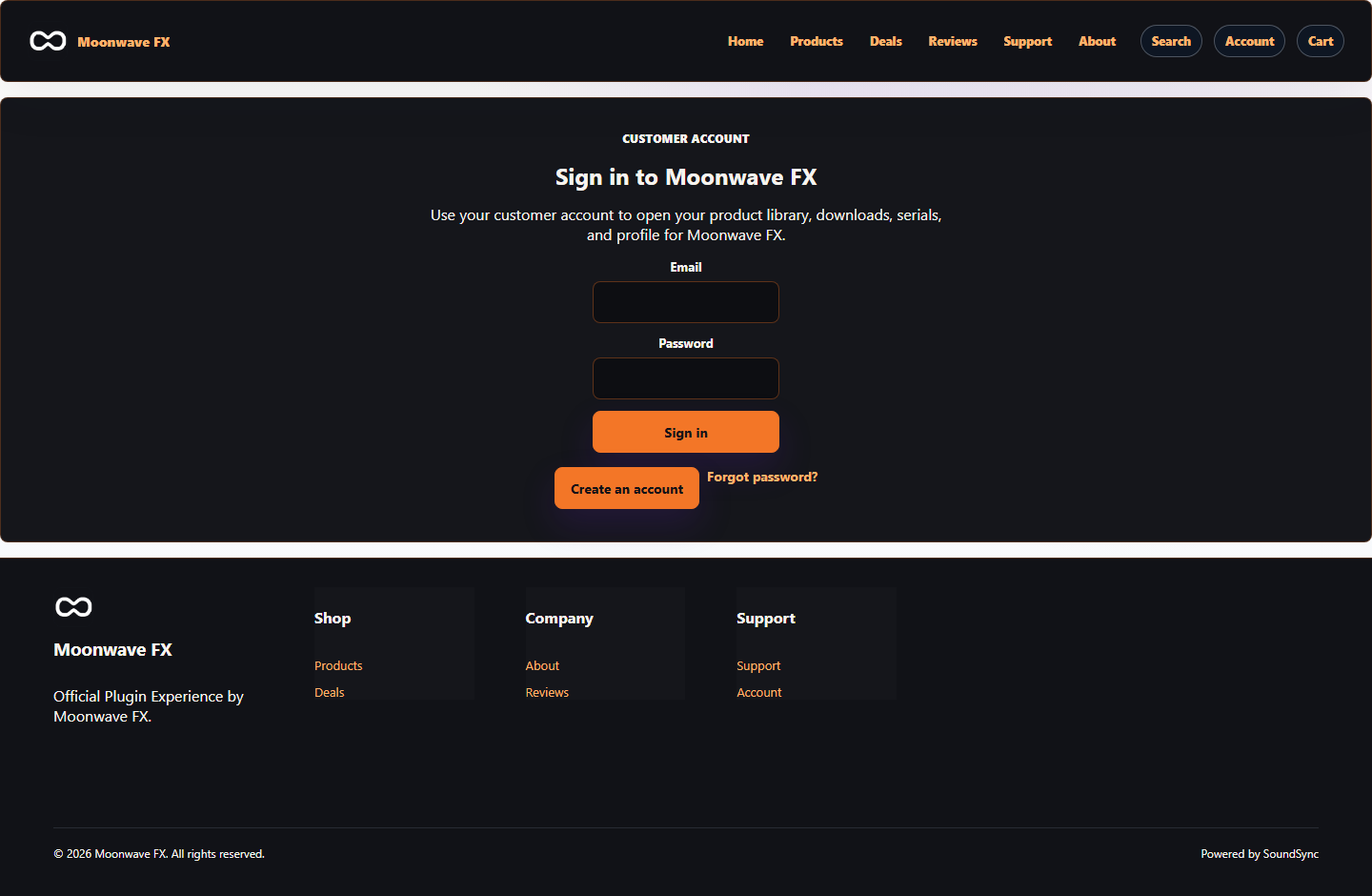
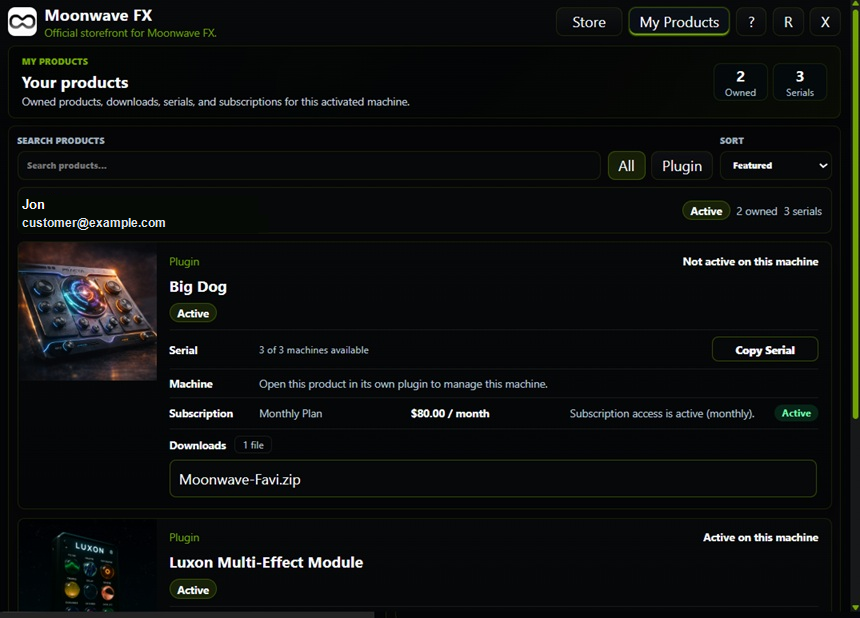
Customer Library Walkthrough
Use the docs only to understand account linking, library listing, product ownership, serial/license visibility, secure downloads, subscription state, and revoked access.
SoundSync
Documentation-only steps
These walkthroughs intentionally avoid platform implementation references and identify where docs are enough or where follow-up remains.
-
Read the concepts
Start from the linked API page and confirm the resource model and auth boundary.
-
Find the endpoint
Use the endpoint card, method, auth, request fields, response, errors, and side effects.
-
Use the example safely
Copy only examples that contain demo values and no secrets.
-
Handle failure states
Use the documented error/transition table before inventing UI behavior.
-
Record gaps
If a required behavior is not documented, treat it as a docs failure rather than guessing.
SoundSync
Required docs
Use these docs for the walkthrough.